Working With the SDK
Warehouse Native Works with any of Statsig's SDKs for logging events and getting feature flags or experiment assignments.
This page is a brief overview of how Warehouse Native works with Statsig's SDKs. Refer to the client or server SDK docs for help setting up SDKs.
Data Forwarding
When you first set up your data connection, Statsig will create tables to forward datasets to, and generate an assignment/metric sources which includes any user-level metadata fields you log as part of your evaluation.
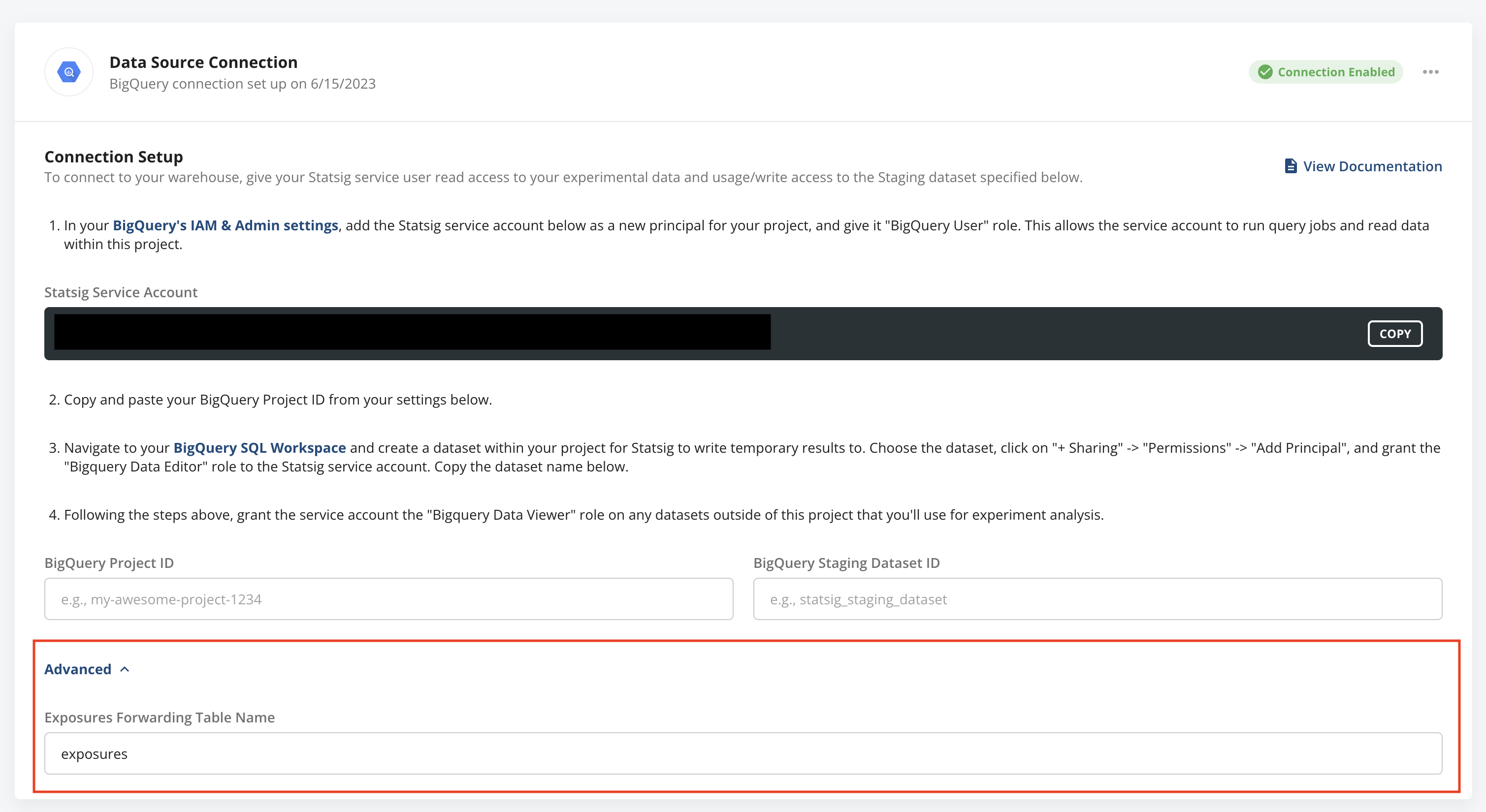
You can find the configuration for these datasets and the table we create/output data to in the advanced section of the warehouse connection page.
Exposures
Statsig calculates deduplicated first-exposure rollups for you on a daily basis and exports that miniaturized dataset to your warehouse. Additionally, on every Pulse load on the first day of a experiment, deduplicated exposures for the day will be exported to your warehouse in near real-time, up to 1 million exposures.
Log Events
You can also use Statsig's powerful event logging to send events to the Statsig SDK and have them later exported to your warehouse for analysis.